Most streaming lighting advice is really photography advice, and most RGB advice is really decoration advice. Put the two together and people usually get it backwards: they buy a lot of colour, point it at their face, and end up with a magenta forehead and a blown-out highlights problem.
The rule that fixes this is simple. Colour goes on the background. Clean white goes on your face. Once you separate those two jobs, an RGB setup becomes easy to plan and much cheaper than the internet suggests.
Job One: Your Face (Not RGB)
The camera does not care about mood. It cares about whether it can see your eyes. That means one soft, reasonably bright, roughly white source in front of you and slightly above eye level — a desk lamp, a ring light, a window with a diffuser. Warm white is fine; warm is not the problem, coloured is.
Two practical notes:
- Never light from below. A light sitting on the desk aimed up at your chin is the single most unflattering setup available, and it is what most first attempts do by accident.
- Match your room, not a tutorial. If your wall is dark and your camera exposure is high, a white key light makes you look cut out. A little background light fixes that — which is where RGB comes in.
Job Two: The Background (This Is Where RGB Goes)
RGB belongs behind you, aimed at the wall, out of frame or at the very edge of it. Three placements work:
- Wall wash behind the chair. The safest and best-looking option. The wall becomes a coloured gradient and you get clean separation from the background — the effect that makes a stream look produced instead of improvised.
- Off-axis accent. A light on a shelf or the back edge of the desk, aimed across the wall rather than at it, so the camera sees the falloff rather than the source.
- Under-desk or floor glow. Useful in a small room with a plain wall, but keep it dim — floor light shows up fast on camera as a bright band at the bottom of frame.
If you can only do one, do the wall wash. It is the highest-impact placement per dollar and it never looks bad.
Colours That Survive a Camera
RGB colours are not equally camera-friendly. Saturated green and deep blue are the worst offenders: green casts on skin and makes faces look ill, and saturated blue tends to clip into crushed shadow on consumer sensors.
- For the wall: magenta, cyan, amber and soft violet all read cleanly and hold their colour after compression.
- For a slow or calm stream: a single warm white or a dim amber background is more watchable for hours than cycling colour.
- Avoid: pure saturated green behind you, and anything flashing. Flashing is both unpleasant to watch and a genuine photosensitivity risk for viewers.
- Keep the background one stop darker than your face. If the wall is brighter than you, the eye goes to the wall.
The Flicker Check Nobody Does
Cheap LED dimming flickers. Your eye does not notice, your camera does — it shows up as horizontal bands crawling up the wall, and it is the most common reason a setup that looks fine in the room looks broken on stream.
The test takes ten seconds:
- Point the camera at the lit wall.
- Set the shutter speed to 1/50 or 1/60 (whatever matches your region's mains frequency).
- Record a ten-second clip and watch it back at full size.
- If you see bands, change the dimming level, or accept a brightness where the bands disappear. Most dimmable LEDs are clean at full power and at one or two specific lower levels.
A Two-Light Setup That Works
You do not need six lights. Two is enough for a clean look:
- Front: one soft white source above and slightly to one side of the camera, diffused. This is not the RGB light.
- Back: one RGB light on the wall behind you, aimed at the wall, set to one colour at moderate brightness.
If you have a third, put it low and off to the side for a rim effect — but honestly, most people stop at two because two already looks intentional.
No-Drill Installation for a Rented Room
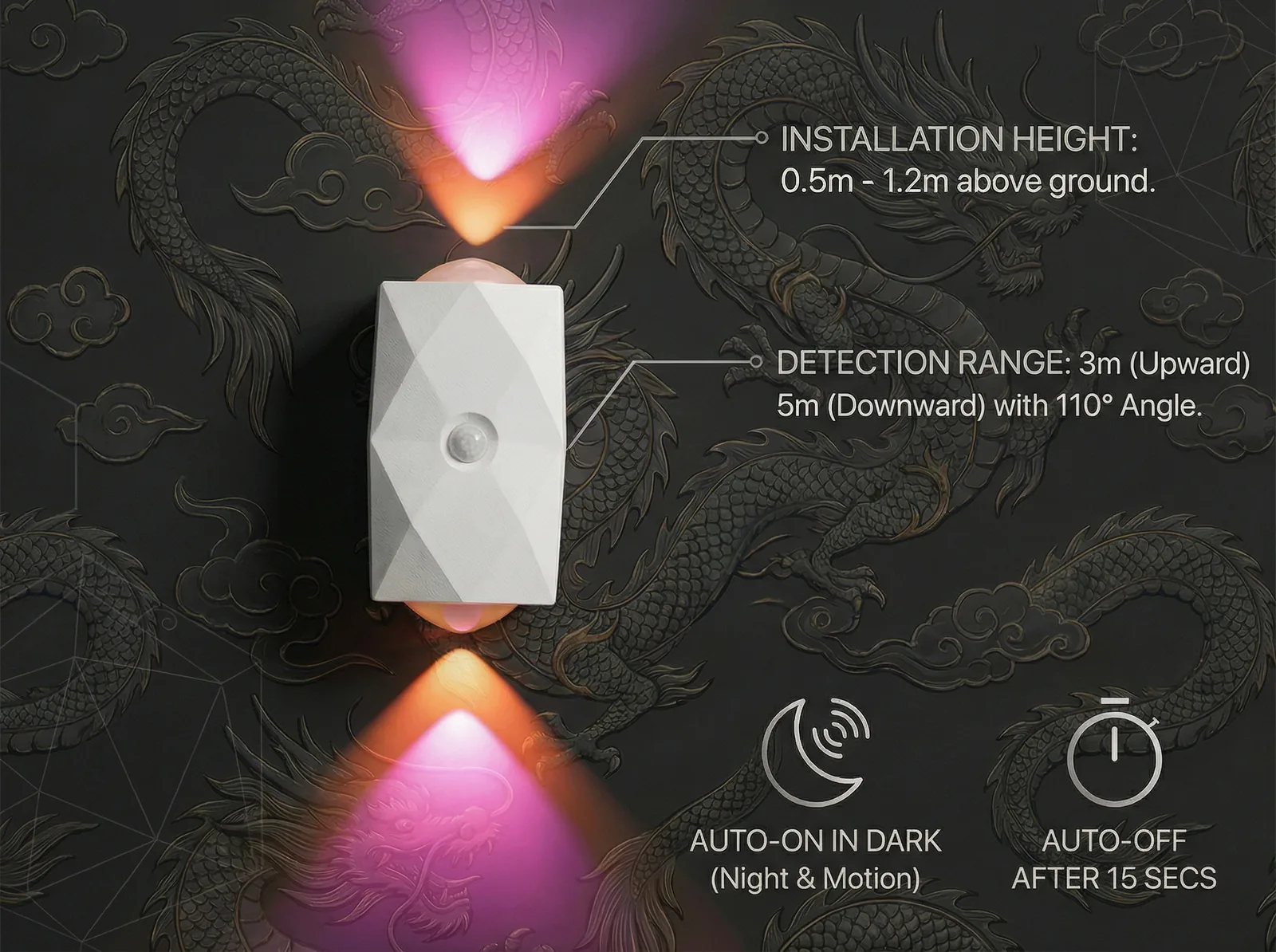
Streaming setups change constantly, which makes permanent mounting a bad idea even if you own the place. A magnetic, rechargeable RGB light solves both problems: it snaps onto an adhesive plate or a steel surface, lifts off for charging over USB-C, and repositions in seconds when you rearrange the desk.
Keep it off the wall directly behind your monitor if the monitor is in frame — the glow will blow out the screen. Put it on the wall behind you instead, which is the wall the camera is actually looking at.
Start with the wall wash, get your face light right, and then tune colour. The order matters: a great background cannot rescue bad face lighting, but decent face lighting with a boring background still reads as professional.
Background Colour, Zero Drilling
Magnetic RGB lights with touch control and seven colours — mount on the wall behind you, charge over USB-C, reposition any time.