Your gaming setup is more than a desk and a monitor — it's a backdrop, a brand, and a vibe. Whether you're streaming to an audience or just want a room that feels epic when the lights go down, the right RGB lighting makes all the difference.
Here's how to layer ambient lighting like a pro, without drilling holes in your walls.
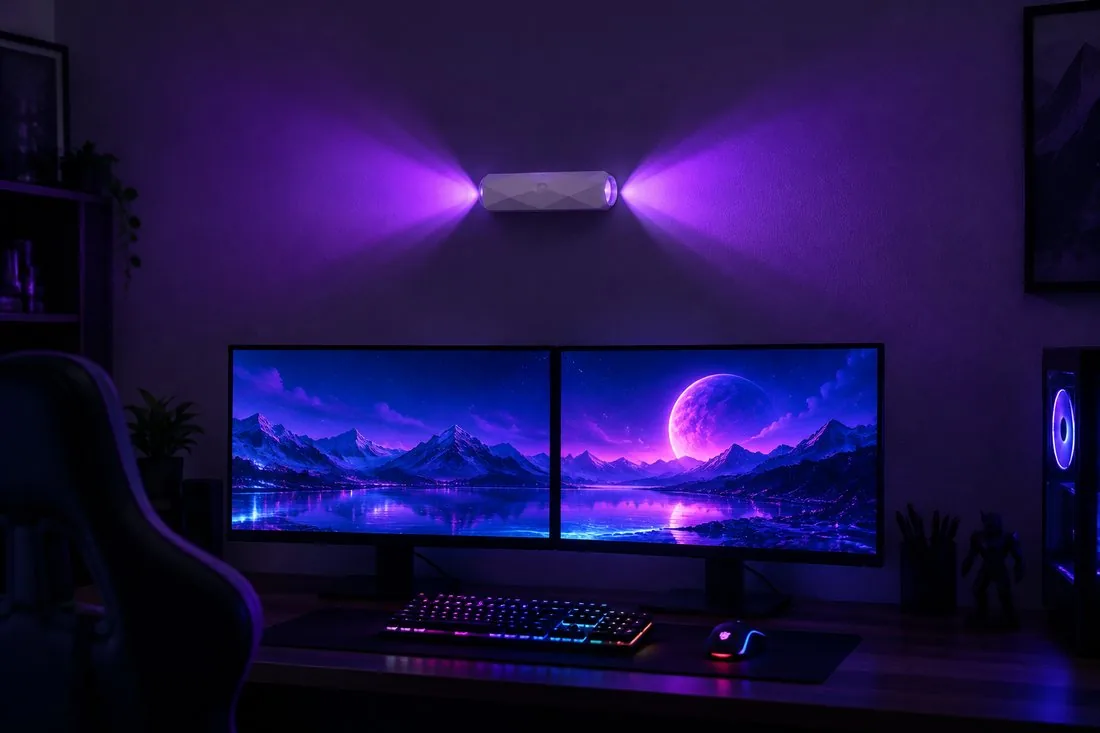
Why Ambient Lighting Matters More Than Your Keyboard RGB
Most gamers start with RGB keyboards, mice, and PC internals. But those lights sit on your desk — they don't light the wall behind you, which is what actually shows up on camera.
Wall lighting creates depth and separation. It makes you (and your setup) pop against the background instead of blending into a dark room. That's the difference between an amateur-looking stream and a polished one.
Layering Your RGB: The 3-Zone Method
Zone 1: The Backdrop Glow
Start with a wall light behind or beside your setup. A Dragon Scale Gaming Light with 200 lumens and 7 RGB colors gives your background a textured, immersive glow that reads beautifully on camera.
Zone 2: Task & Accent Lighting
Add a second light at a different height or angle to create depth. Mix a warm color with a cool one, or set both to gradient cycling for a dynamic, living backdrop.
Zone 3: The Functional Edge
A motion sensor light near your desk or doorway adds practical illumination for late-night gaming sessions — it turns on automatically when you get up for water or a snack, no fumbling for a switch.
Color Psychology for Streamers
- Purple & cyan: The classic "tech" combo — energetic, futuristic, and universally flattering on camera.
- Red & orange: High-energy, aggressive — great for FPS and competitive content.
- Blue & green: Calm and clean — ideal for chill streams, story games, and study sessions.
- Pink & magenta: Playful and vibrant — a favorite for cozy games and VTuber setups.
Upgrade Your Setup Today
The Dragon Scale Gaming Light delivers 200 lumens, touch control, and 7 RGB colors — magnet-mounted with zero wall damage.
Placement Tips That Make a Real Difference
- Eye level or slightly above: Lights placed at eye level create the most natural, flattering ambient glow.
- Offset from the monitor: Don't place lights directly behind the screen — offset them to the side to avoid glare and eye strain.
- Use the wall, not the desk: Wall-mounted lights free up desk space and cast a wider, softer glow.
- Test on camera: What looks good to your eye and what looks good on stream aren't always the same. Record a quick test clip and adjust brightness and color.
No Drilling, No Permanent Damage
The best part? You don't need to drill into your wall (or ask your landlord's permission). Magnetic mounts with adhesive plates install in under a minute and remove cleanly — perfect for rentals, dorm rooms, and setups you like to rearrange.
The bottom line: Layer your lighting in three zones, choose colors that match your content, and mount on the wall for a backdrop that makes your stream look professional. Your setup (and your viewers) will notice the difference.
More Ambient Setup Guides
Continue customizing your gaming and living ambiance with these resources:
- Dragon Scale Spec Sheet: Touch Control & 200-Lumen RGB Wall Light
- Stealth Dark Finish: BACK Matte Black Dual-Side Rainbow Sconce
- Renter-Friendly: Zero Wall Damage Installation for Dorms & Gaming Rooms
- Placement Guide: 5 Strategic Spots for Motion Lights in Your Home
- RGB Explained: No-Drill RGB Wall Lamps for Gaming & Decor